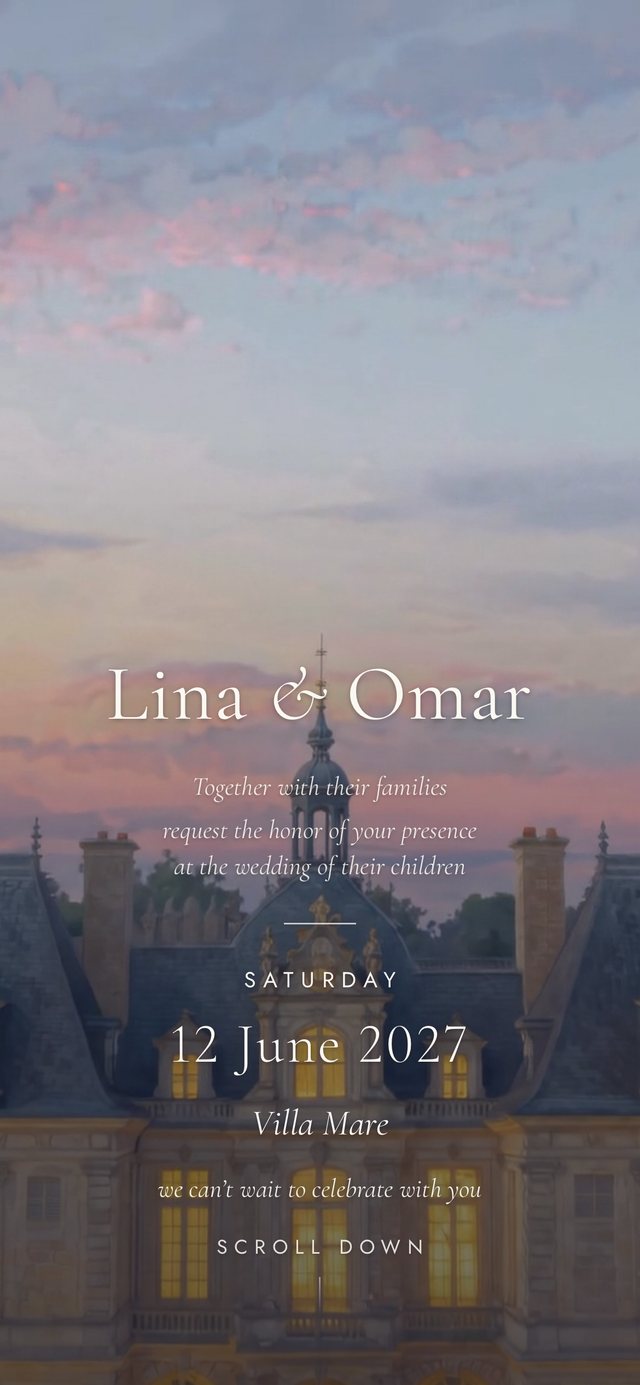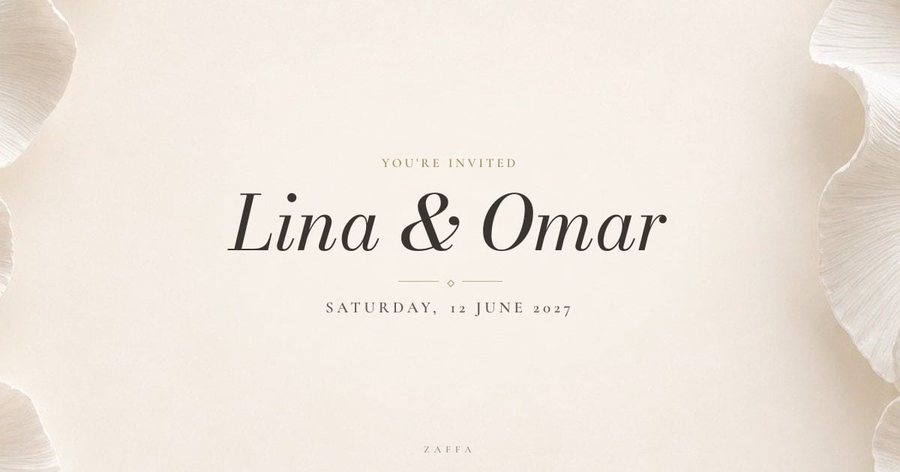
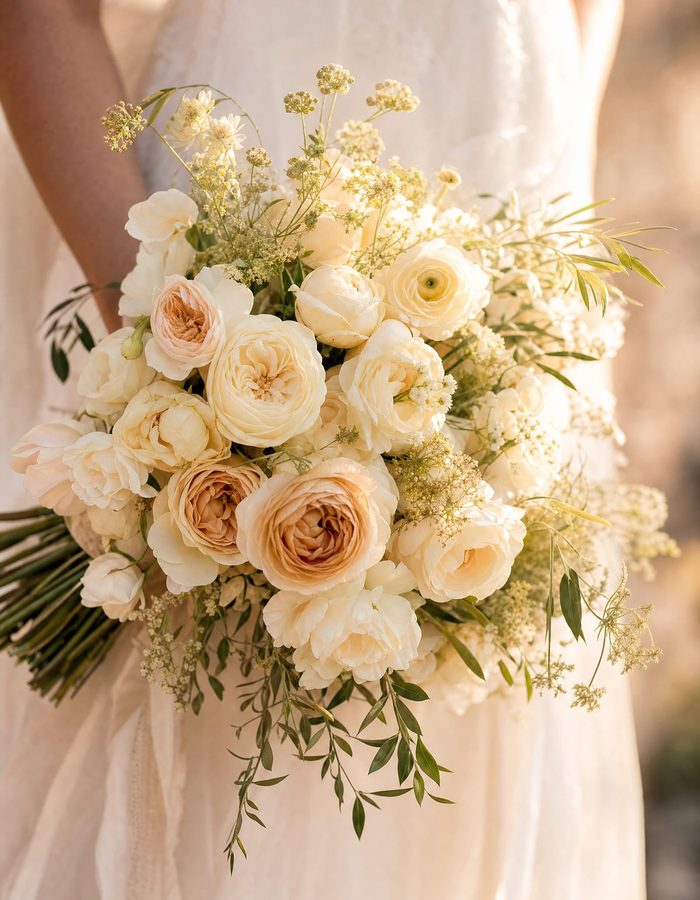
 Lina & Omar
Choose
A design, then a plan.
Open the designs, watch them play, then choose: Zaffa, where you fill it in yourself, or Custom, where our designers make it for you.
- One payment unlocks every design
- Prices fixed in your own currency

Every plan comes with all of it, from the opening film to the last photo of the night.
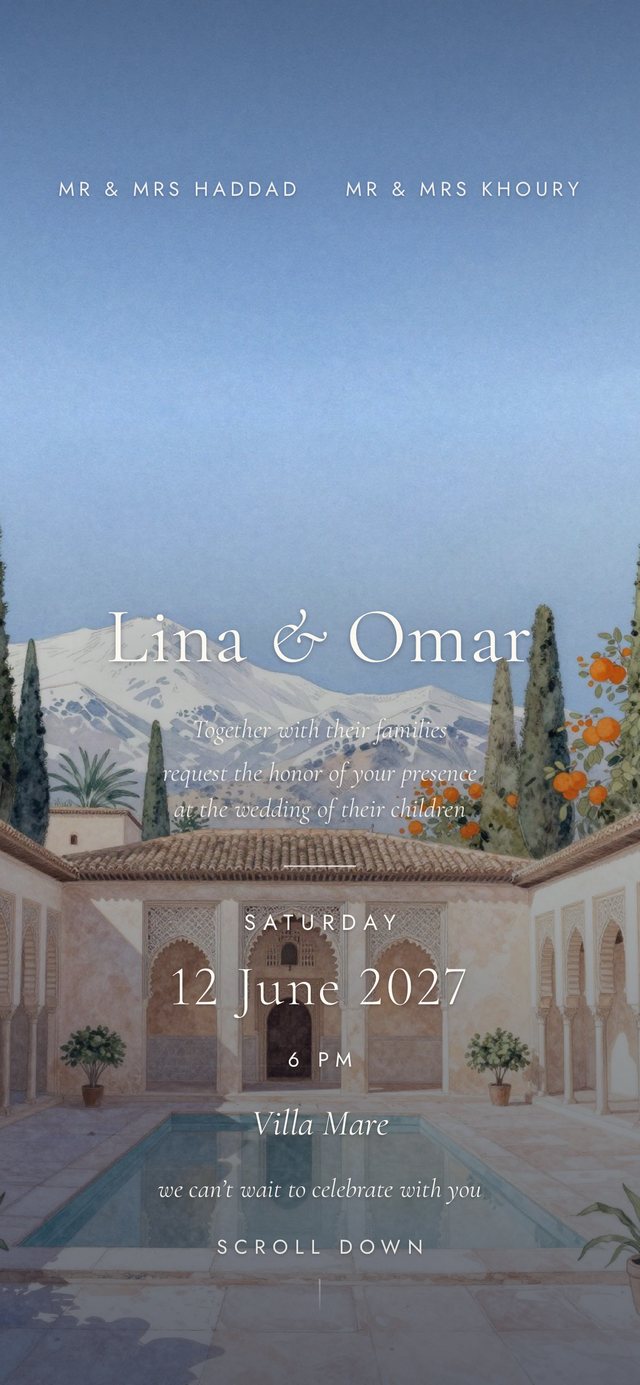
Your guests tap, the invitation plays its opening, then it settles on your names and your date.
Your guest list, replies, seating, tickets and photos all sit behind the same invitation.
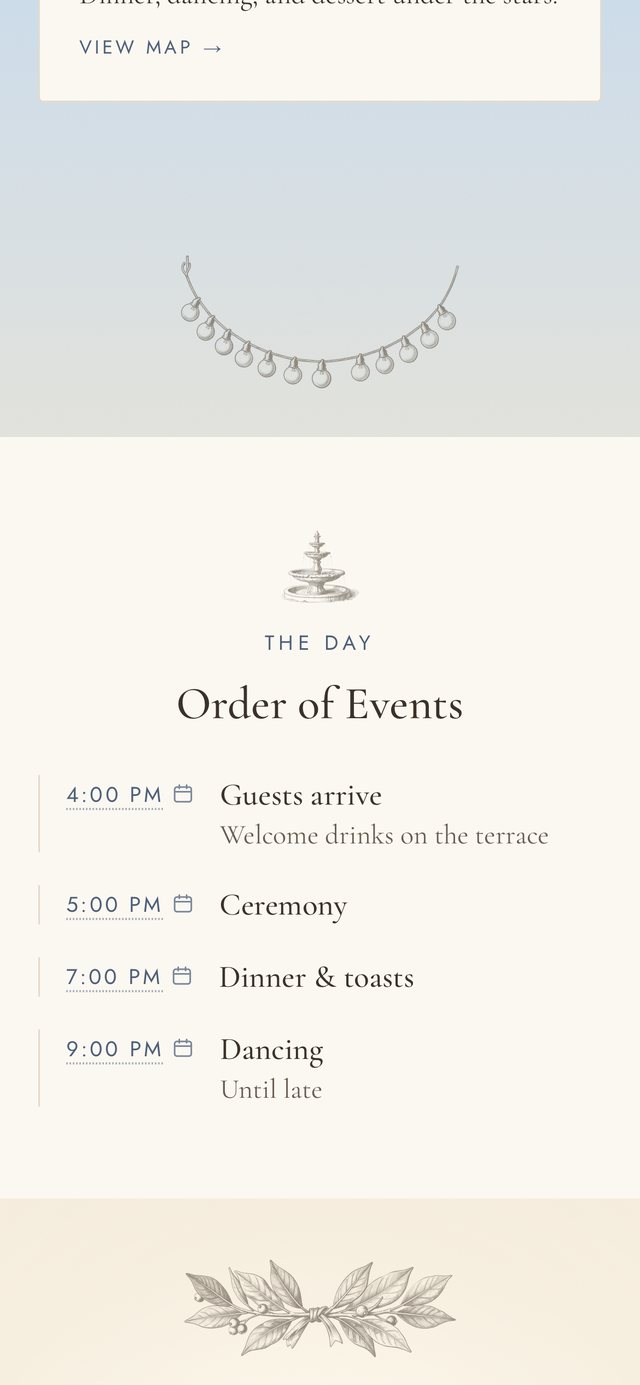
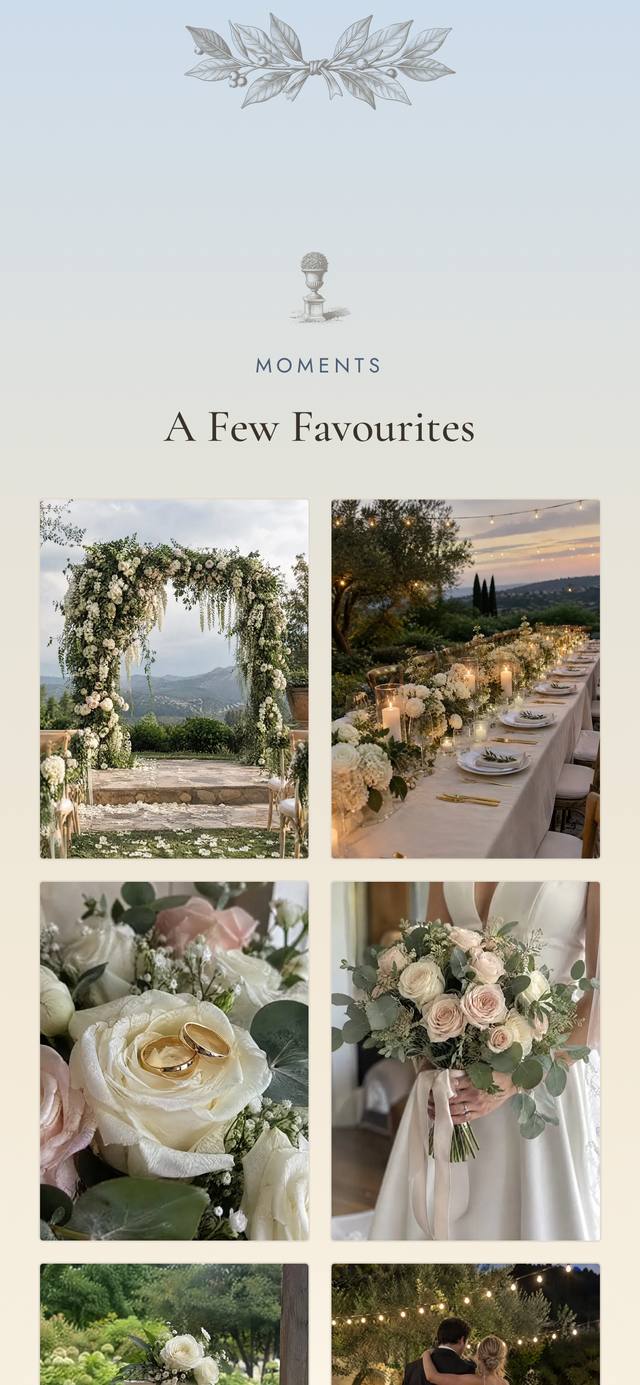
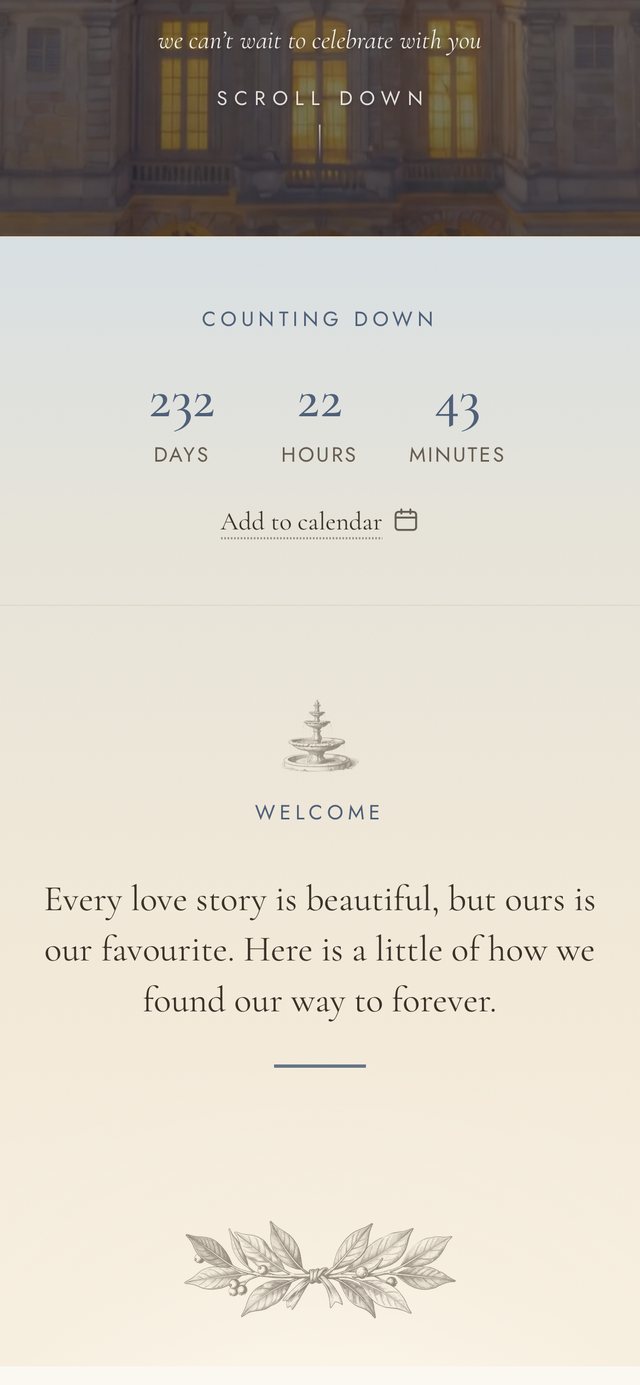
Countdown, schedule, photos, gifts, directions, dress code and the reply. You choose which sections show.
دعوة واحدة، بلغتين
Every design works in Arabic, right to left, with proper Arabic fonts. The reply form follows in the same language.
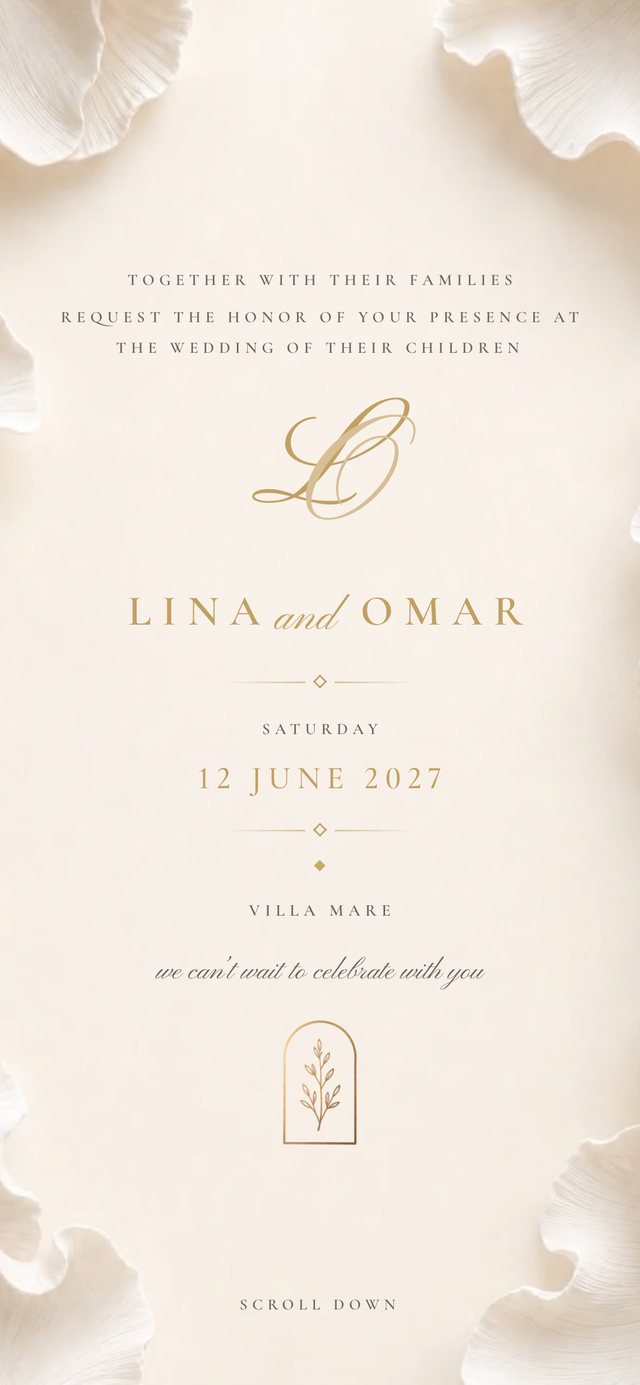
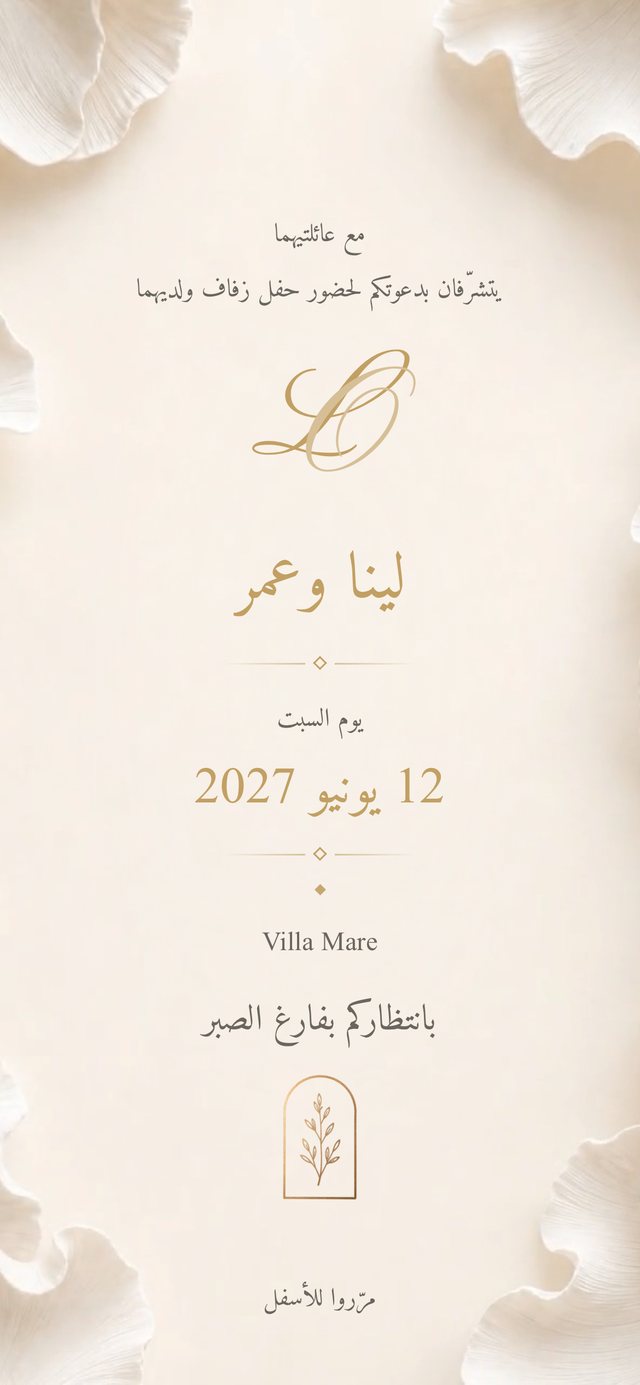
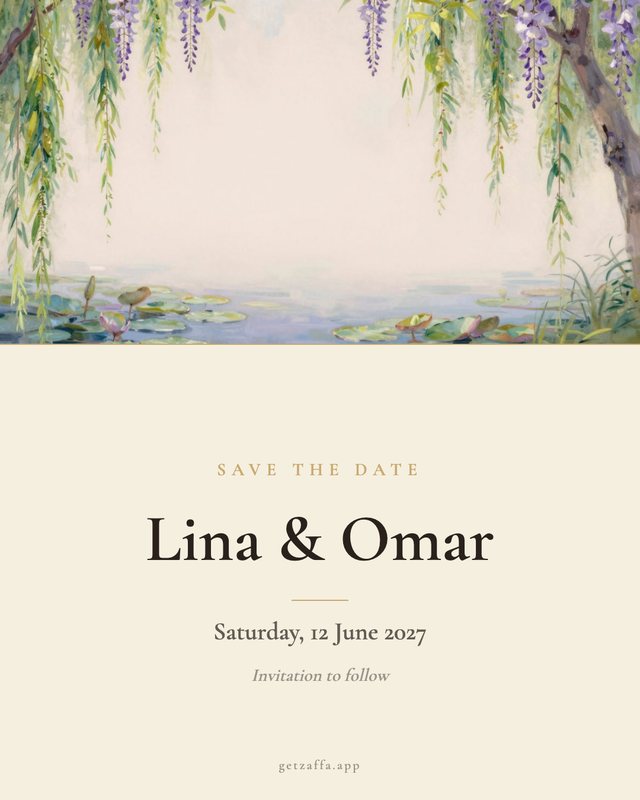
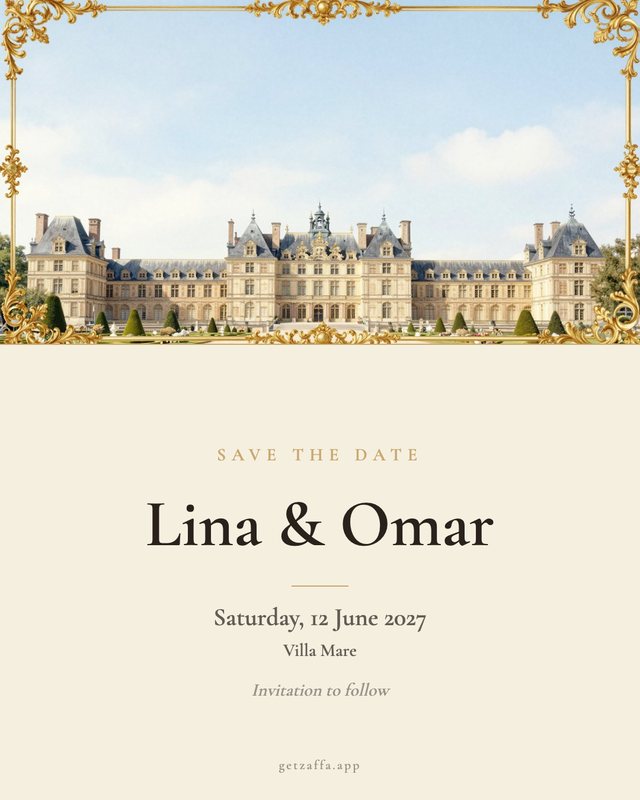
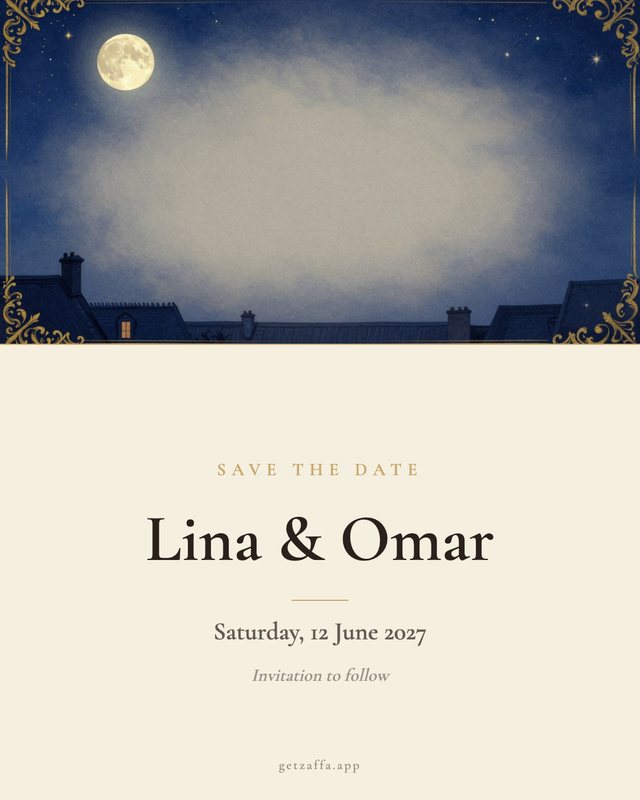
Send a card with your names and your date first, in your design. The full invitation can follow later.
Import your list from Excel or paste it in. Replies come in live, with party sizes, counted for each celebration.
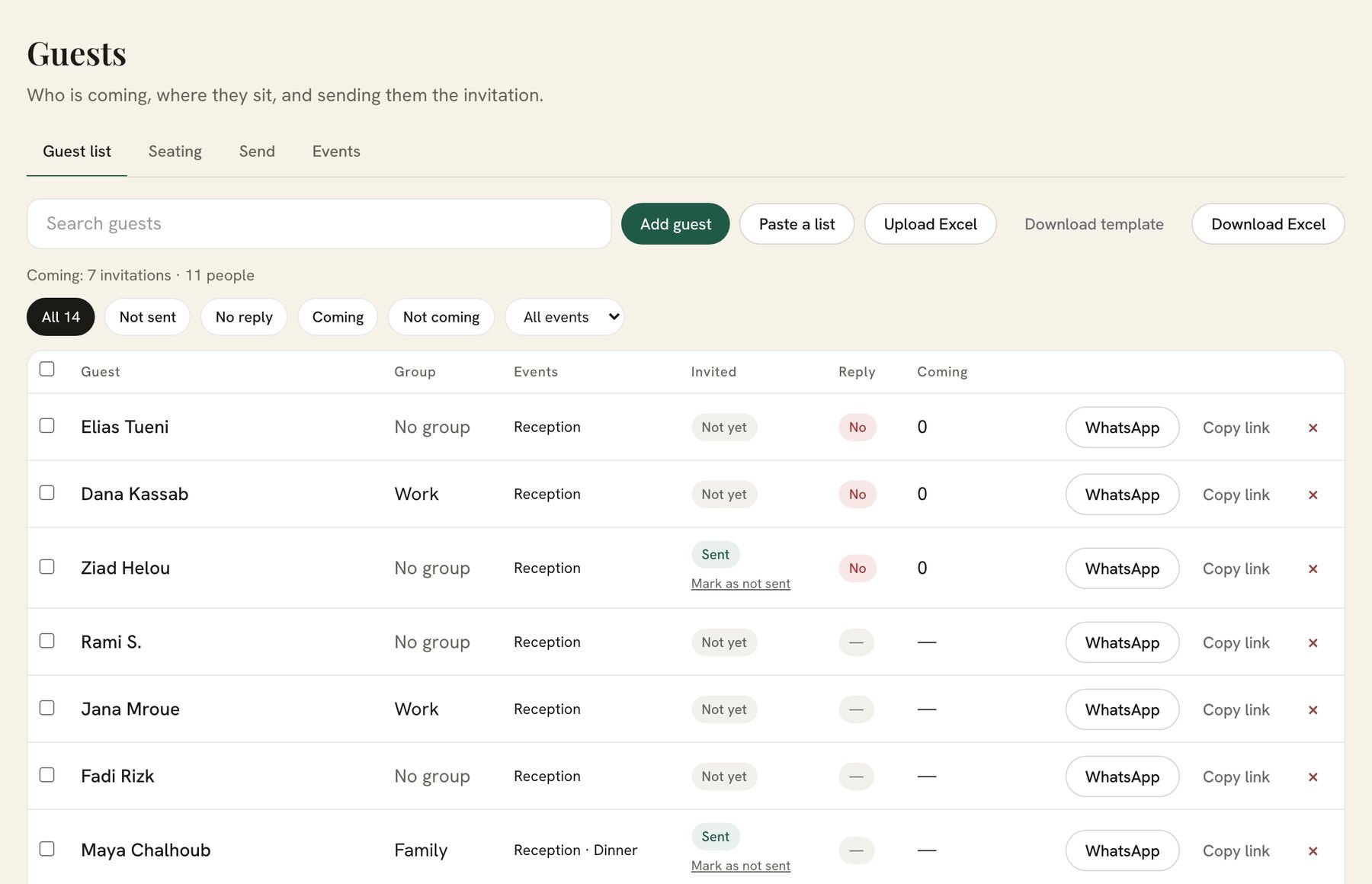
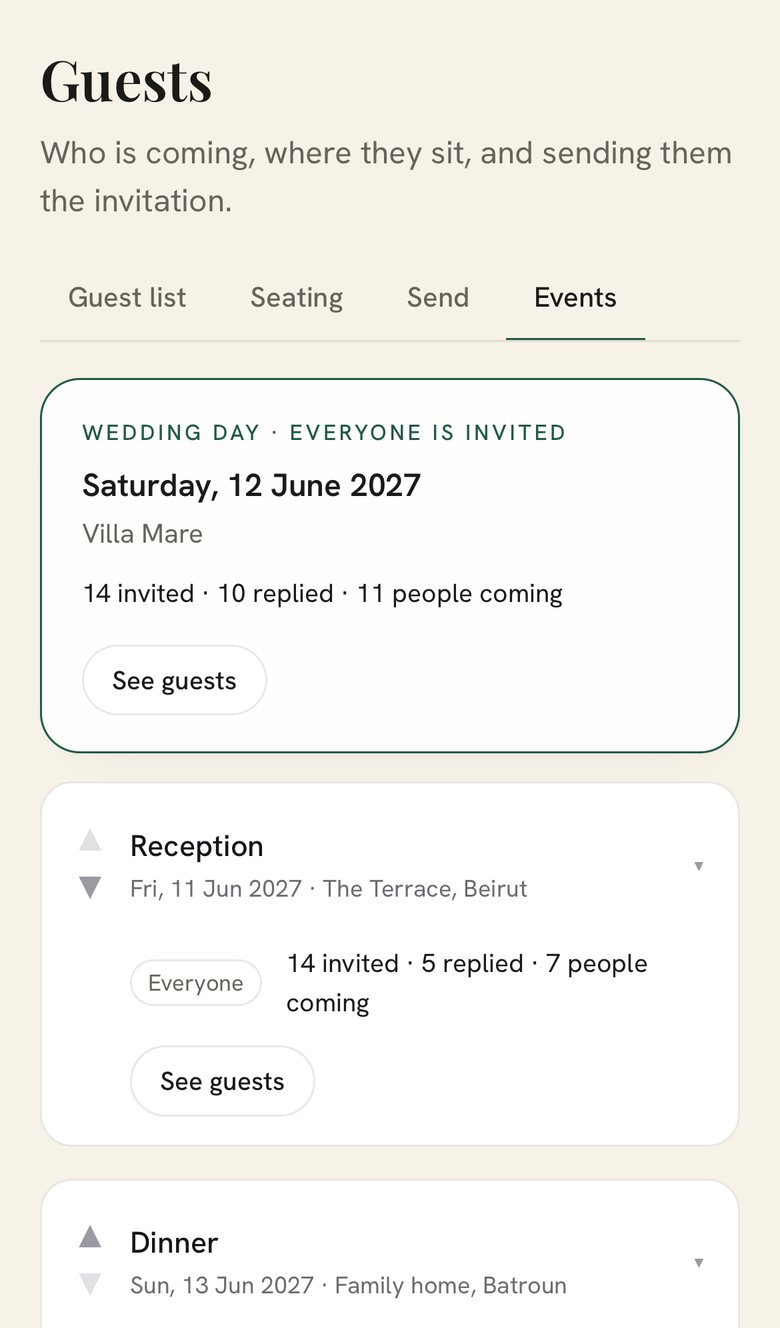
Upload a sheet or paste a list, and your guests are in.
Not sent, no reply, coming, not coming, by celebration.
The wedding day, the dinner, the brunch, each counted on its own.
Download everyone, with replies and party sizes, in one click.
Write the message once. Zaffa adds each guest’s personal link, and WhatsApp opens ready to send.

12 June 2027 · Villa Mare. Maya, open your invitation.
Apple Wallet tickets, door check-in and one shared album for your guests’ photos.
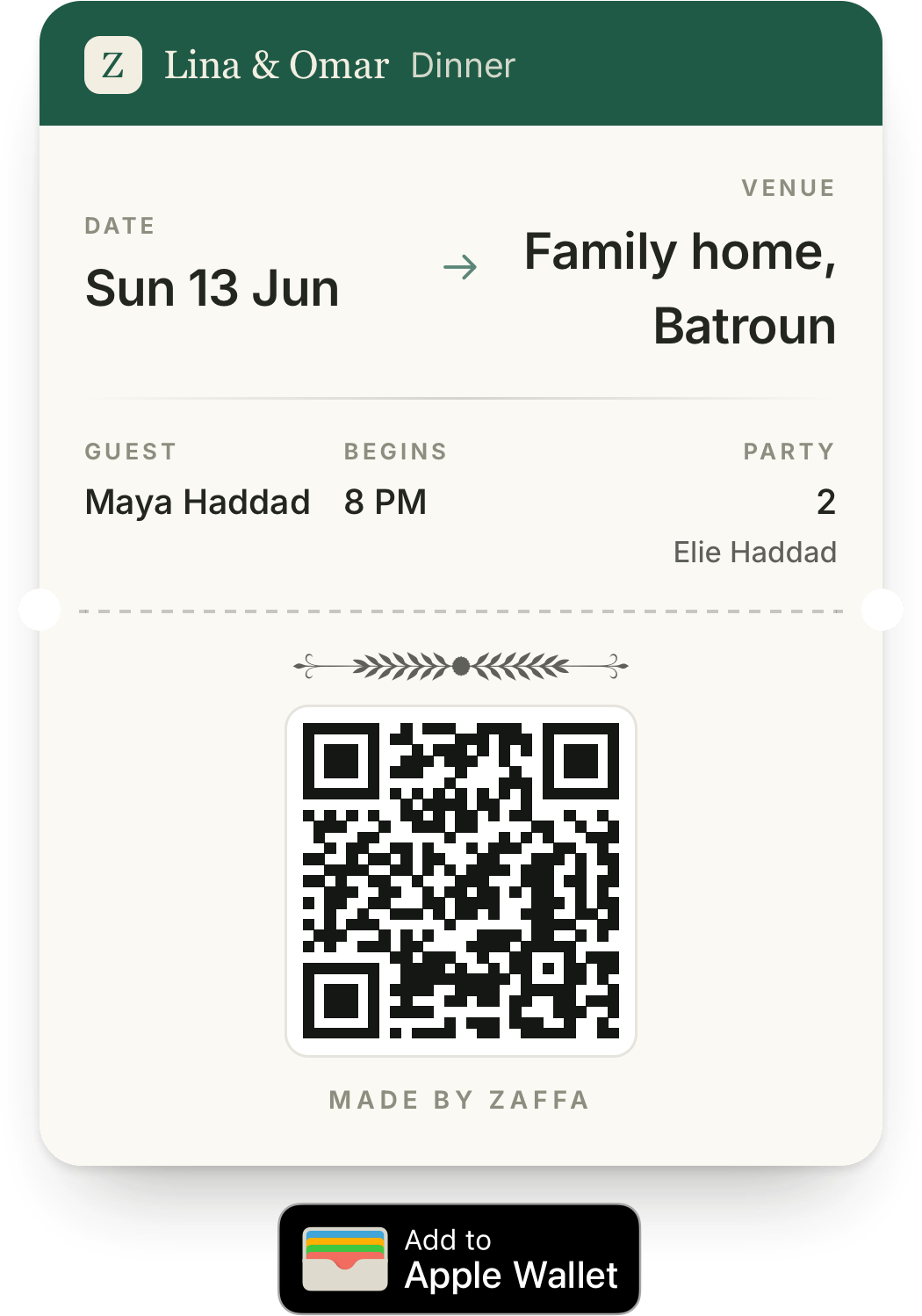
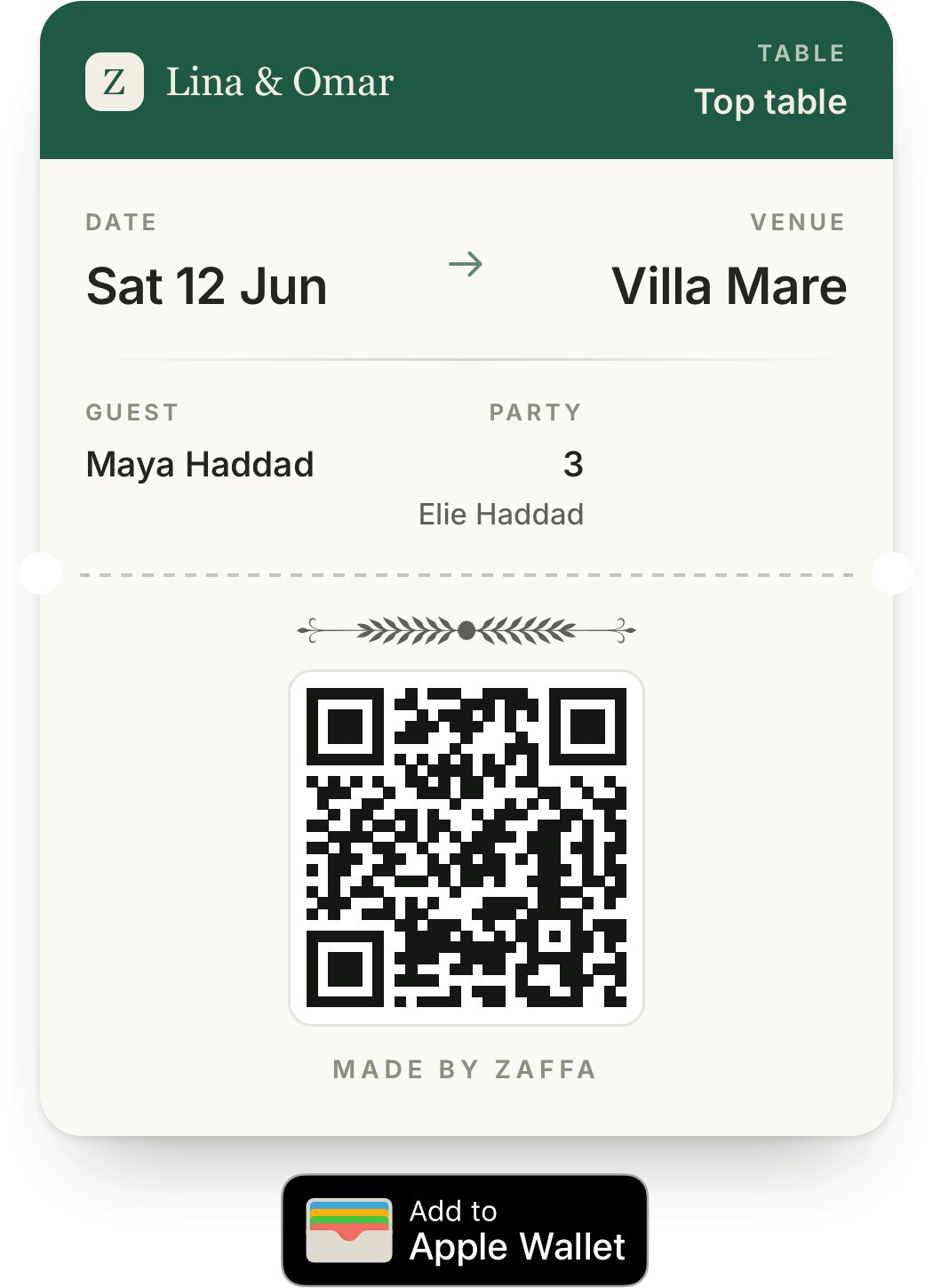
Turn tickets on, and each guest gets one for every celebration they’re coming to, with their table and party size. It sits in Apple Wallet next to their boarding passes.
Whoever is at the door scans tickets with any phone, no app needed. Each guest shows their table, and the count of who has arrived updates as they come in.



 Scan to add your photos
Put a code on the tables. Guests scan it and take photos in their browser, no app for them, and every photo lands in one shared album. You set it up in the Zaffa iPhone app.
Seat each guest at a table. Companions follow their guest, tables warn you when they’re over capacity, and the floor plan shows the room as it will be.
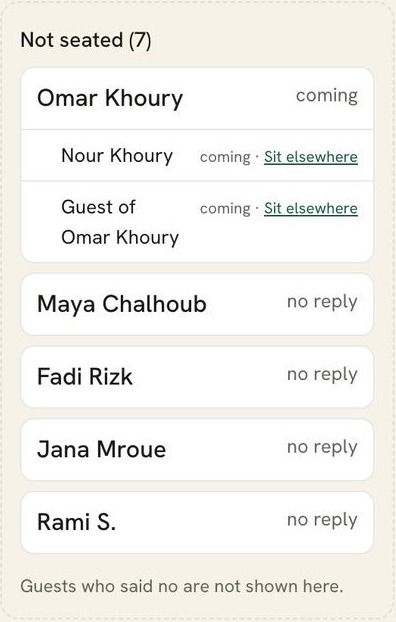
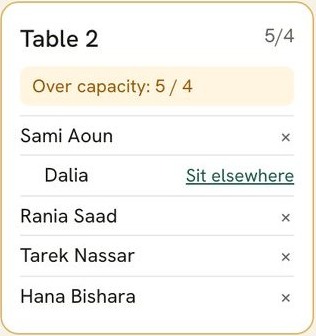
Over capacityA table tells you the moment it holds more people than seats.
Your invitation lives at its own address on getzaffa.app, with your names in it. Or connect a domain of your own, so the link your guests tap carries your names and nothing else.
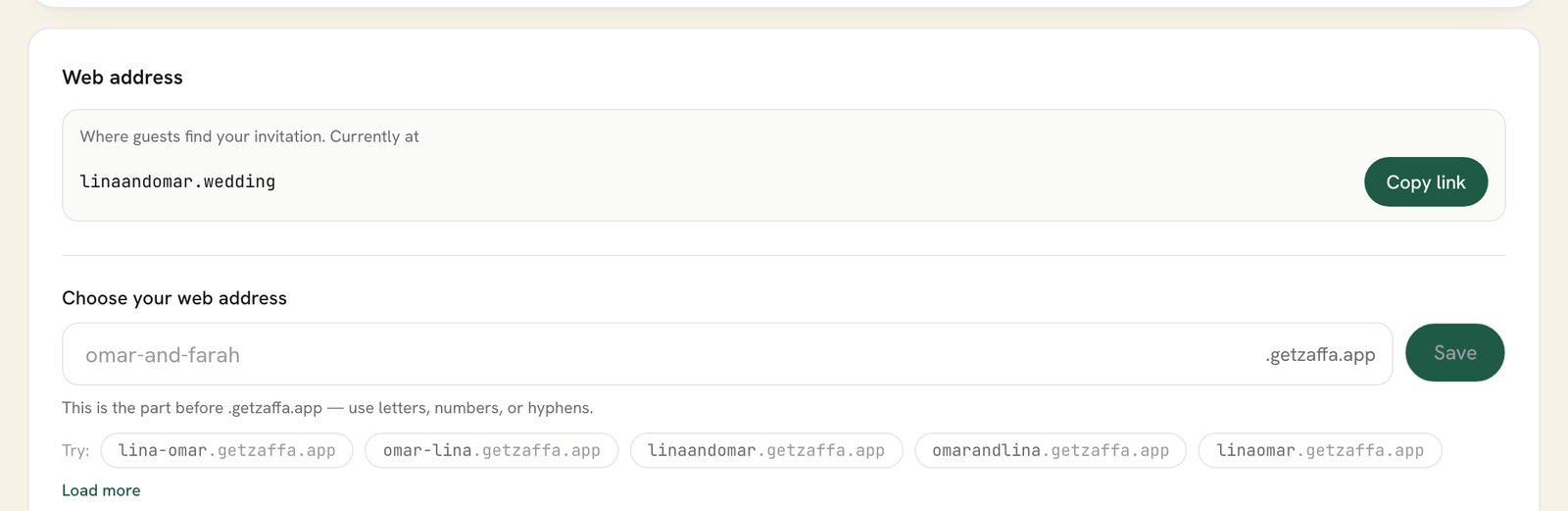
Everything else a couple ends up needing, from the budget to a printed sheet for the grandparents.
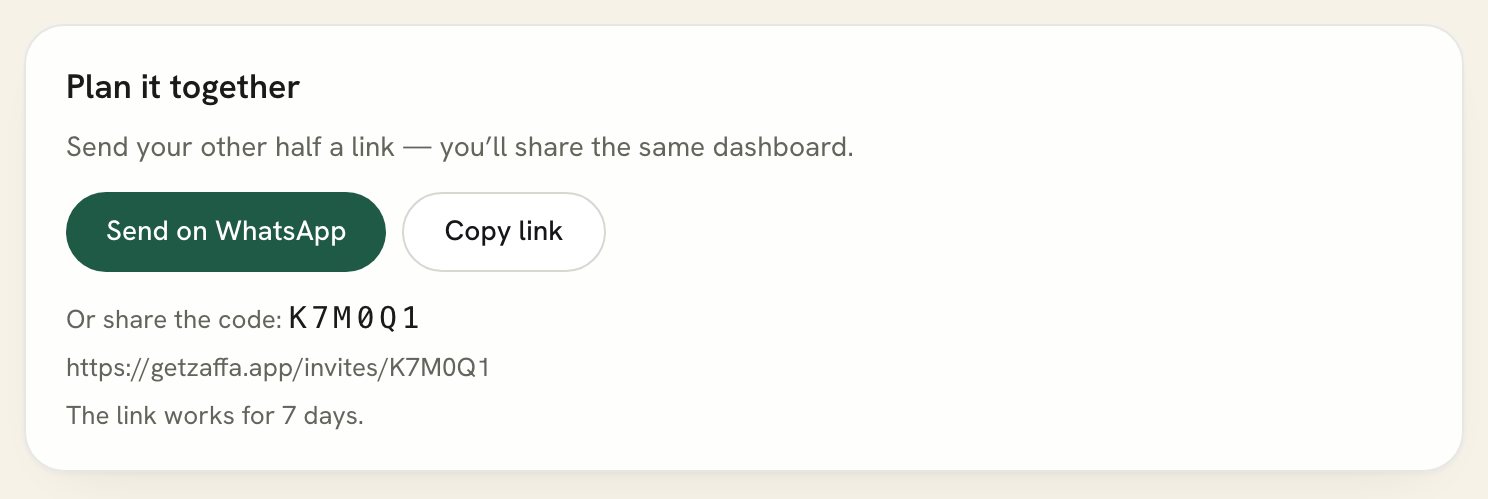
Send your partner a link and you share one dashboard: the same guests, the same replies, the same seating.
Estimated and actual costs, and what’s paid, in the Zaffa iPhone app.
A clean PDF of your invitation’s details, for those who still like paper.
Your existing spreadsheet becomes your guest list.
Add your own song to the invitation, to set the mood.
Every venue with directions one tap away.
Say what to wear before anyone has to ask.
Your gift details, shared with care.
Hotels near the venue for guests flying in.
A live count of the days until the wedding.
Invite each guest to the parts of the wedding meant for them.
The photos your guests shared and the invitation that started it, printed and bound to keep. We’re putting the finishing touches on it, and every Zaffa couple will hear first.

One link. Every guest.
Every reply.
From the save the date to the last photo of the night, your wedding lives at one address.
Four steps from the first look to the first reply. The moment your payment goes through, the wedding is yours to build, or ours to design for you.
Open the designs, watch them play, then choose: Zaffa, where you fill it in yourself, or Custom, where our designers make it for you.
Card, Apple Pay or Google Pay. One payment for your wedding, with no subscription, and your dashboard opens as soon as it goes through.
Guided steps take you through names, dates, places and wording, in English, Arabic or both. On Custom, our designers make it with you.
Each guest gets their own link from your own number. Replies arrive as they happen, counted for each celebration.

Choose the design tonight, pay once, and send it whenever you are ready. Every reply will find you.
Zaffa $24AED 89SAR 89QAR 89KWD 7.500BHD 9.000OMR 9.500€22CA$33£19Custom $99AED 365SAR 375QAR 360KWD 30.000BHD 37.000OMR 38.000€92CA$135£79